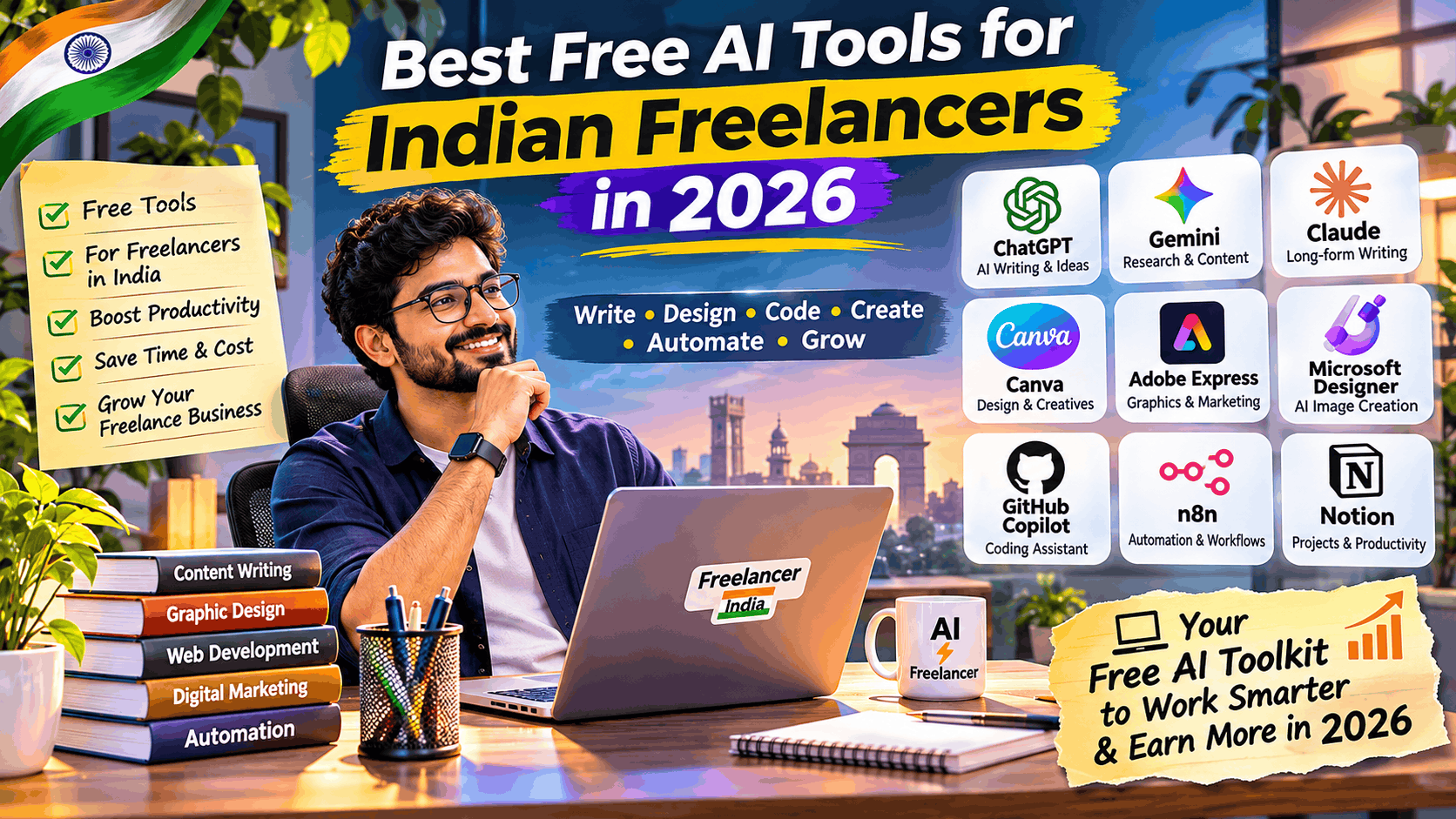
Best free AI tools for Indian freelancers in 2026

Introduction
The freelancing industry in India is evolving rapidly in 2026, and Artificial Intelligence (AI) is becoming one of the biggest competitive advantages for independent professionals.
Whether you are a freelance content writer, graphic designer, digital marketer, software developer, video editor, virtual assistant, or consultant, AI tools can help you complete projects faster, improve quality, and serve more clients.
The best part? You don’t need an expensive subscription to get started.
There are several powerful free AI tools available that Indian freelancers can use for content creation, graphic design, coding, research, SEO, productivity, and business automation.
In this guide, we’ll explore the best free AI tools for Indian freelancers, explain their practical applications, and show you how to combine them into a productive freelance workflow.
1. Best free AI writing tools for Indian freelancers
Writing is one of the most common freelance services, covering blog writing, website content, copywriting, email marketing, technical documentation, and social media management.
These AI writing tools free options can help freelancers reduce research time and improve their writing productivity.
1. Best free AI writing tools for Indian freelancers
Writing is one of the most common freelance services, covering blog writing, website content, copywriting, email marketing, technical documentation, and social media management.
These AI writing tools free options can help freelancers reduce research time and improve their writing productivity.
File:ChatGPT-Logo.svg – Wikimedia Commons
1. ChatGPT
Best all-round AI assistant
- Generate blog posts, proposals, emails, and marketing copy.
- Brainstorm content ideas and create outlines.
- Summarise documents and assist with coding.
- Support multilingual content, including Hindi.
Free plan available with usage limits.
Website: ChatGPT
Gemini – Google’s AI Assistant for Smart Conversations & Productivity – Daidu.ai
2. Google Gemini
Best for multilingual content
- Write articles, product descriptions, and social posts.
- Generate ideas and summarise research.
- Useful for Hindi and English content.
- Integrates with Google’s productivity ecosystem.
Free access is available with usage limits.
Website: Google Gemini
Bull Theory (@BullTheoryio) on X
3. Claude
Best for long-form writing
- Draft detailed articles and reports.
- Improve readability and professional tone.
- Review long documents and technical content.
Free access is available with message limits.
Website: Claude
How to Use Grammarly – Getting Started Guide (2026) | Delv
4. Grammarly
Best for grammar and editing
- Correct grammar and spelling.
- Improve sentence clarity.
- Refine professional emails and proposals.
Free writing assistance is available.
Website: Grammarly
Logo Perplexity AI – Logos PNG
5. Perplexity AI
Best for research
- Research topics and competitors.
- Find source-backed information.
- Collect references for articles and reports.
Free search and research access is available with limits.
Website: Perplexity
Freelancer tip: Use Perplexity for initial research, ChatGPT or Claude for drafting, and Grammarly for final editing. This combination can significantly improve your content production workflow.
2. Best free AI design tools for freelancers
Graphic design is another profitable freelance category. Even without advanced Photoshop skills, freelancers can create professional-looking social media creatives, advertisements, presentations, banners, and marketing materials.
These AI design tools free options are worth exploring.
1. Canva
Best overall design platform
- Social media posts and advertisements.
- Business presentations and brochures.
- Templates, brand assets, and AI-assisted design.
- Marketing creatives for small businesses.
Free plan available with limited AI usage.
Website: Canva
Microsoft Designer – Stunning designs in a flash
2. Microsoft Designer
- Generate images from text prompts.
- Create posters, invitations, and promotional creatives.
- Edit images and remove backgrounds.
- Produce marketing visuals.
Free access with monthly AI credits.
Website: Microsoft Designer
Adobe Express Logo PNG Vector (AI, PDF, SVG) Free Download
3. Adobe Express
- Design flyers, banners, and social media posts.
- Create branded promotional content.
- Edit images and short videos.
- Use templates and AI-assisted creative features.
Free plan available with feature and credit restrictions.
Website: Adobe Express
Leonardo.AI – AI-Powered Image & Video Generation Platform – Daidu.ai
4. Leonardo AI
- Generate AI artwork and illustrations.
- Create product and advertising concepts.
- Produce visual assets for digital campaigns.
Free access with limited token allowances.
Website: Leonardo AI
AI Models for Video, Image & Voice Generation | Cliprise
5. Ideogram
- Generate creative marketing images.
- Explore typography-based visuals.
- Create posters and campaign concepts.
Free generation options are subject to usage limits.
Website: Ideogram
Freelancer tip: Canva is a practical starting point for social media design services. Combine it with an AI image generator to offer complete creative packages to local businesses, startups, and online brands.
3. Best free AI coding tools for freelance developers
For Indian software developers, AI coding assistants can help accelerate application development, debugging, testing, documentation, and API integration.
| AI tool | Best use case | Free access |
|---|---|---|
| GitHub Copilot | Code completion and suggestions | Yes, limited monthly usage |
| Google Antigravity | AI-assisted development and coding agents | Free access with limits |
| Cursor | AI-powered code editing | Limited free plan |
| Replit | Online development and prototyping | Free access with limits |
| Ollama | Running open-source AI models locally | Free software |
Useful links:
Why freelancers should use them: These tools can help developers build MVPs, create website prototypes, write test cases, troubleshoot errors, and deliver software projects more efficiently.
For commercial projects, always review AI-generated code, test security vulnerabilities, and verify third-party library licences.
4. Best free AI tools for video editing and content creation
Video content is increasingly important for Instagram, YouTube, LinkedIn, and business marketing. Freelancers can use AI video tools to create short-form videos, promotional clips, tutorials, and advertisements.
| AI tool | What freelancers can do |
|---|---|
| CapCut | Edit videos, generate captions, create reels |
| Clipchamp | Edit marketing videos and tutorials |
| Descript | Edit audio and video through transcripts |
| VEED | Create subtitled videos and social content |
| ElevenLabs | Generate AI voiceovers and narration |
Useful links:
Free availability and export restrictions differ across these platforms. Check watermark, export resolution, commercial usage, and monthly credit limits before accepting a client project.
5. Best free AI tools for research, SEO, and digital marketing
Digital marketing is an excellent opportunity for Indian freelancers because small businesses, startups, and international brands constantly need online visibility.
The following tools can help freelancers deliver SEO and marketing services.
| Tool | Application | Website |
|---|---|---|
| Google Trends | Keyword and trend discovery | Visit |
| Google Search Console | Website search performance | Visit |
| Ubersuggest | Keyword and competitor research | Visit |
| Ahrefs Webmaster Tools | Website SEO auditing | Visit |
| AnswerThePublic | Discover customer questions | Visit |
You can combine these with ChatGPT or Gemini to create:
- SEO-optimised blog articles.
- Website content and landing pages.
- Keyword research reports.
- Competitor analysis reports.
- Content calendars.
- Social media marketing strategies.
Remember that AI-generated content alone does not guarantee search engine rankings. Original insights, factual accuracy, search intent, and useful information remain essential.
6. Best free AI tools for productivity and automation
Freelancers often spend significant time managing emails, client requirements, project documentation, meeting notes, invoices, and repetitive tasks.
Automation can help reduce this administrative workload.
| Tool | Best application |
|---|---|
| Notion | Project management and documentation |
| n8n | Workflow automation |
| Zapier | Connecting business applications |
| Google NotebookLM | Research and document analysis |
| Trello | Task and project tracking |
Useful links:
For freelancers handling multiple clients, n8n is particularly interesting because it supports self-hosted workflow automation. The software is available for free, although hosting and infrastructure may involve costs.
7. Quick comparison: Best free AI tools for Indian freelancers in 2026
Here is a practical shortlist based on freelance service requirements.
| Freelance requirement | Recommended tool | Why use it? |
|---|---|---|
| Content writing | ChatGPT | Writing and brainstorming |
| Research | Perplexity | Source-backed research |
| Long documents | Claude | Document analysis |
| Grammar | Grammarly | Writing improvement |
| Graphic design | Canva | Marketing creatives |
| AI image generation | Microsoft Designer | Visual creation |
| Software development | GitHub Copilot | Coding assistance |
| AI video editing | CapCut | Short-form content |
| Voice generation | ElevenLabs | Narration and voiceovers |
| SEO | Google Search Console | Website performance |
| Automation | n8n | Repetitive workflows |
| Documentation | NotebookLM | Document-based research |
Important: Free plans are not unlimited. Some tools restrict AI requests, image generations, storage, exports, or monthly credits. The availability of specific features can also vary by account and region.
8. How Indian freelancers can build a complete AI-powered workflow
Instead of using 20 different AI platforms, start with a small collection of tools that complement each other.
Here are five practical workflows.
Workflow 1: Freelance content writing
- Perplexity – Research the topic and collect references.
- ChatGPT – Create the article outline and first draft.
- Grammarly – Improve grammar and readability.
- Canva – Create the featured image and graphics.
- Google Docs – Finalise and deliver the article.
Service opportunity: Blog and website content
Workflow 2: Social media management
- ChatGPT – Generate content ideas and captions.
- Canva – Design social media creatives.
- CapCut – Edit reels and short videos.
- Notion – Manage the content calendar.
- Analytics tools – Measure engagement and performance.
Service opportunity: Monthly social media packages
Workflow 3: Website and software development
- ChatGPT – Analyse client requirements and design architecture.
- GitHub Copilot – Assist with development.
- Replit – Prototype and test applications.
- GitHub – Manage source code.
- Automated testing – Validate functionality and quality.
Service opportunity: Websites, MVPs and SaaS development
Workflow 4: AI-powered digital marketing
- Google Trends – Identify trending topics.
- Perplexity – Research competitors and markets.
- ChatGPT – Develop SEO and marketing strategies.
- Canva – Produce advertisements and creatives.
- Google Search Console – Monitor search performance.
Service opportunity: SEO and digital marketing retainers
Workflow 5: Freelance business automation
- Google Forms – Collect client requirements.
- n8n – Automate repetitive processes.
- ChatGPT – Assist with proposals and documentation.
- Notion – Track projects and deliverables.
- Google Drive – Organise client documents.
Service opportunity: AI automation consulting
9. How Indian freelancers can earn money using free AI tools
AI tools are not just productivity applications. They can also help freelancers develop new service offerings and generate additional income.
Here are some practical freelance business opportunities.
| Freelance service | Potential clients | Suggested pricing |
|---|---|---|
| SEO blog writing | Agencies, startups | ₹1,000–₹5,000/article |
| Social media design | Local businesses | ₹5,000–₹15,000/month |
| Website development | SMEs, startups | ₹15,000–₹75,000/project |
| AI chatbot development | Businesses | ₹15,000–₹1 lakh/project |
| Video editing | Creators, brands | ₹500–₹3,000/video |
| SEO consulting | Website owners | ₹5,000–₹25,000/month |
| Workflow automation | SMEs, agencies | ₹10,000–₹50,000/project |
These are illustrative suggested selling-price ranges, not guaranteed earnings or verified market averages. Actual fees depend on experience, complexity, deliverables, and client location.
Where can Indian freelancers find clients?
Some useful platforms include:
- Upwork – Find international freelance projects.
- Fiverr – Sell specialised freelance services.
- Freelancer.com – Explore freelance opportunities.
- LinkedIn – Build professional connections.
- Truelancer – Find freelance projects in India.
My recommendation is to focus on a specific service rather than advertising yourself as someone who can do everything with AI.
For example, position yourself as an AI-powered content specialist, website development consultant, or business automation expert.
10. My recommended free AI toolkit for beginners
If you are starting your freelance journey with zero software budget, you don’t need to subscribe to multiple AI platforms.
Start with this toolkit:
ChatGPT – writing and ideas.
Gemini – Research and assistance
Canva – Graphic design
Perplexity – Online Research
GitHub Copilot – Coding assistance
Notion – Project management
The free plans provide a starting point. Internet access, hardware, hosting, paid credits, and other business expenses are not included.
11. Important things to remember before using free AI tools
Although free AI tools offer excellent opportunities, freelancers should follow some important practices:
- Verify AI-generated content: Never deliver unverified facts, statistics, or technical recommendations.
- Protect client information: Avoid uploading confidential documents, credentials, source code, or personal information without appropriate permission.
- Check commercial usage rights: Review licensing terms for AI-generated images, videos, fonts, and other assets.
- Understand free-plan restrictions: Some platforms limit downloads, storage, AI generations, or commercial features.
- Maintain originality: Add your own expertise, research, and creative thinking.
- Avoid unnecessary subscriptions: Upgrade only when a paid feature directly improves your business profitability.
12. Frequently asked questions (FAQs)
1. What are the best free AI tools for Indian freelancers in 2026?
ChatGPT, Google Gemini, Canva, Perplexity, Grammarly, GitHub Copilot, and Microsoft Designer are excellent starting points. The best choice depends on your freelance specialisation.
2. Can I start freelancing using only free AI tools?
Yes. You can start with free AI plans and free productivity software. You will still need to invest time in learning, building a portfolio, finding clients, and delivering quality work.
3. Which free AI writing tools are best for Indian freelancers?
ChatGPT and Gemini are useful for drafting and brainstorming. Claude is worth considering for longer documents, Grammarly for editing, and Perplexity for research.
4. Which free AI design tools are best for beginners?
Canva, Microsoft Designer, and Adobe Express are practical options for creating social media graphics, presentations, banners, and promotional materials.
5. Can Indian freelancers earn money using AI-generated content?
Yes. Freelancers can sell content writing, graphic design, website development, marketing, video editing, and automation services. However, clients pay for the quality and business value of the final deliverable, not simply for AI-generated output.
6. Are free AI tools suitable for international freelance clients?
Yes. Many free AI platforms can support international projects. However, check their commercial usage terms, privacy policies, regional availability, and export restrictions before using them for client work.
Conclusion: Start smart, work faster, and grow with AI
Artificial Intelligence is creating new opportunities for independent professionals across India.
The biggest advantage of AI is not simply generating content or creating images. It is the ability to combine multiple tools to deliver better services, reduce repetitive work, and increase productivity.
Whether you are a beginner or an experienced freelancer, start with a few free tools, develop a specialised skill, create a strong portfolio, and gradually expand your services.
Remember: AI will not replace the value of your expertise. But freelancers who know how to use AI effectively can gain a significant competitive advantage.
The best time to start building your AI-powered freelance business is now!
SEO optimisation details
| SEO element | Recommended content |
|---|---|
| SEO title | Best Free AI Tools for Indian Freelancers in 2026 |
| Primary keyword | best free AI tools for Indian freelancers |
| Secondary keyword | free AI tools for freelancers India |
| Supporting keywords | AI writing tools free; AI design tools free |
| URL slug | best-free-ai-tools-indian-freelancers-2026 |
| Meta description | Discover the best free AI tools for Indian freelancers in 2026. Explore free AI writing, design, coding, research, video, and automation tools to grow your freelance business. |
| Search intent | Informational and commercial investigation |
| Suggested category | AI Tools & Freelancing |
| Suggested tags | Free AI Tools, Indian Freelancers, AI Writing, AI Design, Freelance Business, AI Automation |
Recommended internal linking opportunities
If publishing this article on your blog, link to related articles such as:
- Best AI tools for small businesses in India.
- How to start an AI-powered freelancing business.
- Best AI automation tools for entrepreneurs.
- How to earn money online using AI tools.
- Best AI tools for content marketing and SEO.
Recommended image SEO
- Image filename:
best-free-ai-tools-indian-freelancers-2026.png - Alt text: Best free AI tools for Indian freelancers in 2026 for writing, design, coding, research, and productivity.
- Image title: Best Free AI Tools for Indian Freelancers in 2026.
- Placement: Featured image, immediately below the article title.
Research and reference sources
The free-plan descriptions and tool selection were informed by current 2026 listings and platform documentation:
- Canva – Official India pricing and free plan.
- Google Gemini – India plans.
- Microsoft Designer – Free AI design features.
- GitHub Copilot – Free plan.
- 2026 free AI tools comparison.
Editorial note: Review free-tier availability and commercial licensing before publication. AI service features and limits can change frequently.