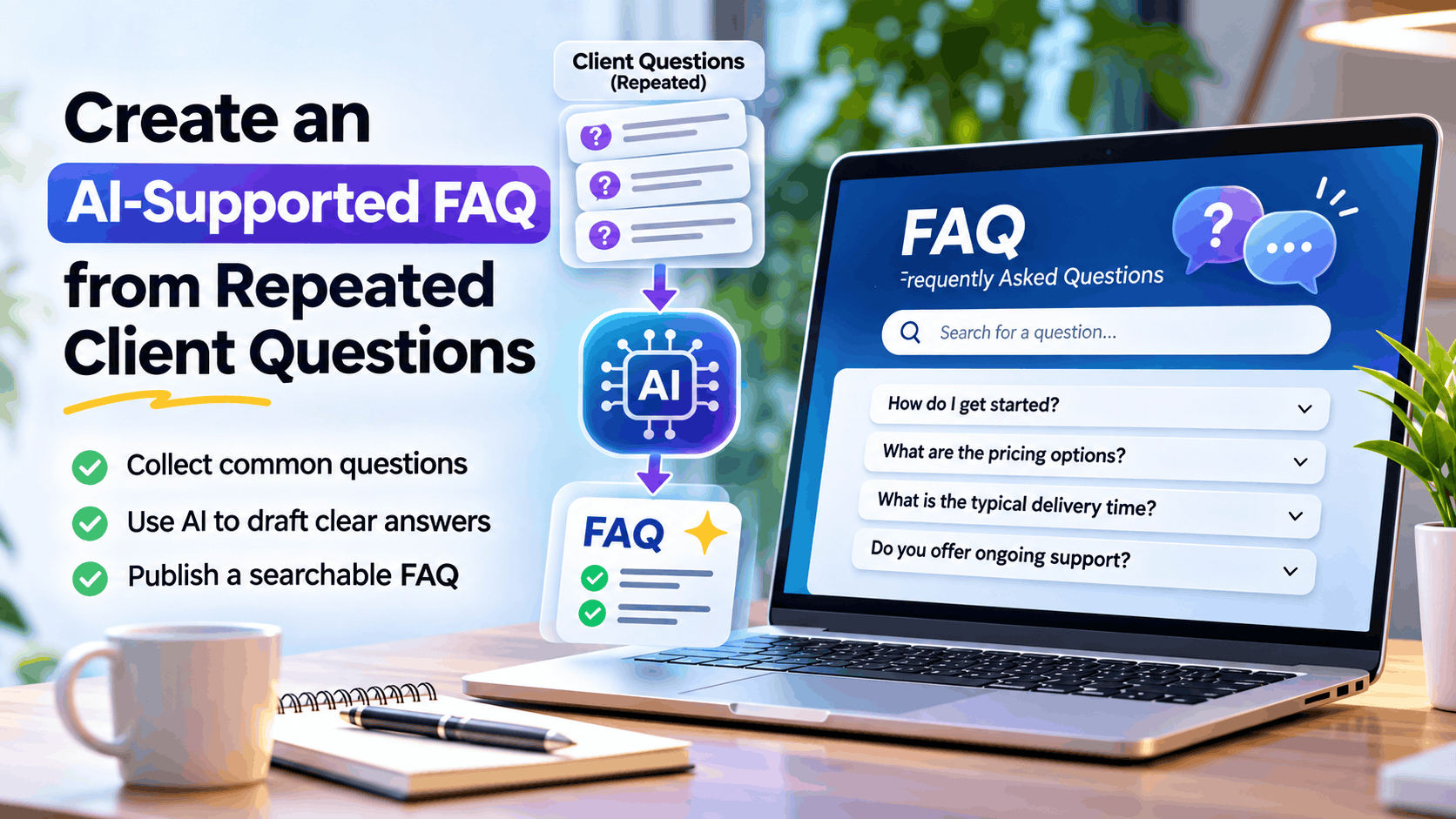

Create an AI-Supported FAQ from Repeated Client Questions
If you work with clients regularly, you’ve probably noticed a pattern. Different clients often ask the same questions about pricing, onboarding, project timelines, deliverables, support, revisions, processes, and technical requirements.
Answering these questions individually may seem manageable at first. But as your business grows, repeated conversations consume time that could otherwise be spent on delivery, sales, or building better client relationships.
The solution is to turn these recurring questions into a centralized FAQ supported by artificial intelligence.
An AI-supported FAQ is a collection of frequently asked questions and approved answers that uses AI to help identify recurring topics, draft clear responses, organize information, and make knowledge easier to search and maintain.
Instead of starting every client conversation from scratch, you create a reusable knowledge resource that continuously improves as you learn from your clients.
Why repeated client questions are valuable
Repeated questions are more than a support problem. They are signals about what your clients need to understand before they can confidently work with you.
When the same question appears across emails, WhatsApp conversations, meetings, or support tickets, it may indicate:
- Information missing from your website.
- Confusing service descriptions.
- Unclear pricing or project scope.
- Gaps in your onboarding process.
- Uncertainty about deliverables or timelines.
- Opportunities to automate client communication.
For example, if clients repeatedly ask, “What happens after I approve the proposal?”, it could mean your onboarding process needs better documentation.
If clients regularly ask, “How many revisions are included?”, your service page or proposal may need to explain the revision policy more clearly.
An FAQ can address these gaps while reducing the time you spend answering the same questions.
1. Collect client questions from different sources
The first step is gathering questions from the places where client conversations actually happen.
You don’t need to create a new process for collecting questions. Start with the communication channels you already use.
Free Icons to Download or Edit Online – PNG & SVG | Magnific (formerly Freepik)
Email conversationsSearch for repeated questions in proposal discussions, onboarding emails, support requests, and follow-ups.
WhatsApp and chat messagesCapture recurring questions from informal client conversations and quick support messages.
Print MIS Helpdesk & Customer Service Software | PrintXpand
Support ticketsReview tickets to identify recurring problems, setup issues, and service-related queries.
Comment prendre des notes d’entretien comme un pro
Client meetingsInclude questions asked during discovery calls, demos, consultations, and project reviews.
Create a simple question collection
You can use Google Sheets, Notion, Airtable, or any document-based system to record questions.
| Client Question | Category | Frequency | Priority |
|---|---|---|---|
| How do we get started? | Onboarding | 12 | High |
| What is included in the package? | Services | 9 | High |
| How long will the project take? | Timeline | 8 | High |
| Can we request changes? | Revisions | 7 | Medium |
| What happens after delivery? | Support | 6 | Medium |
| Do you offer monthly support? | Pricing | 5 | Medium |
You don’t need perfect data. Even a collection of 30–50 questions from past conversations can provide a useful starting point.
2. Use AI to identify repeated questions
Once you collect client questions, use an AI tool to group similar questions together.
Clients may express the same concern in different ways:
- How long does the project take?
- When will you deliver?
- What is the expected completion date?
- How many days are required to complete the work?
These questions may all belong under one FAQ topic: Project timelines and delivery.
AI can help identify similarities, remove duplicates, classify questions, and suggest a common question that represents multiple variations.
Example AI prompt
You can use the following prompt with ChatGPT, Claude, Gemini, or another AI assistant.
Prompt: Organize Repeated Client Questions
You are a customer experience and knowledge management specialist.
Analyze the following list of client questions and organize them into a structured FAQ.
Your tasks:
- Identify duplicate and semantically similar questions.
- Combine similar questions into a single clear FAQ question.
- Categorize questions into logical topics.
- Identify the questions that appear to be the most important for clients.
- Highlight questions that require business-specific information or human approval.
- Do not invent answers or policies.
- Produce the output in a table with the following columns:
- FAQ Category
- Recommended FAQ Question
- Original Question Variations
- Priority
- Information Required to Answer
Client questions:
[Paste your collected client questions here]
This process gives you a cleaner list of topics to work with instead of manually reviewing every message.
3. Create clear answers with AI assistance
Once you have the consolidated questions, the next step is drafting answers.
AI is particularly useful for turning fragmented information into professional, easy-to-understand responses.
However, AI should not independently invent your prices, delivery commitments, refund policies, contractual conditions, or service guarantees.
Use your existing business information as the source for answers.
Example: Turning a question into an FAQ
CLIENT QUESTION
How long does it take to complete the project?
AI-DRAFTED FAQ ANSWER
Project timelines depend on the scope, complexity, availability of required information, and approval cycles. After reviewing your requirements, we will share an estimated timeline with milestones and expected delivery dates. Any significant changes to the project scope may affect the schedule.
This answer is more structured, professional, and reusable than writing a response every time the question appears.
Prompt for drafting FAQ answers
You are a professional customer support content writer.
Create a clear, friendly, concise FAQ answer for the following question.
FAQ Question:
[Insert question]
Business Information:
[Insert approved business details, policies, service information, and relevant context]
Writing guidelines:
- Answer the question directly in the first sentence.
- Use simple language that a non-technical client can understand.
- Keep the answer between 50 and 120 words.
- Avoid marketing fluff.
- Do not invent pricing, guarantees, policies, timelines, or commitments.
- If required information is missing, identify what needs confirmation.
- Make the answer suitable for publishing on a business website.
Review the generated response before publishing it. AI should assist with writing, not replace business judgment.
4. Organize your FAQ into useful categories
A FAQ containing dozens of unrelated questions can quickly become difficult to navigate.
Organize questions into categories based on the client journey.
Getting StartedOnboarding, registration, requirements, and first steps.
Services & PricingPackages, costs, inclusions, and payment terms.
Project DeliveryTimelines, milestones, approvals, and deliverables.
Support & MaintenanceTroubleshooting, ongoing support, and service requests.
Additional categories may include:
- Technical requirements.
- Billing and invoices.
- Refunds and cancellation.
- Account management.
- Security and privacy.
- Frequently encountered issues.
A well-organized FAQ makes it easier for clients to find answers without contacting you.
5. Build your FAQ knowledge base
You can begin with a simple document or database rather than investing in an expensive knowledge management platform.
Recommended FAQ structure
| Field | Purpose |
|---|---|
| FAQ ID | Unique identifier |
| Category | Topic grouping |
| Question | Approved client-facing question |
| Answer | Approved response |
| Keywords | Search terms |
| Source | Where the answer originated |
| Last Updated | Content review date |
| Owner | Responsible person |
| Status | Draft, Approved, Published, Review Required |
This structure also makes it easier to use your FAQ later with AI chatbots, customer support automation, or retrieval-augmented generation (RAG) systems.
Smart AI Knowledge Base Software
FyneDesk | Helpdesk Software with AI Included — Free for Small Teams
12
Tools you can use
| Tool | Best Use |
|---|---|
| Notion | Simple FAQ database and internal knowledge management |
| Google Docs | Basic FAQ document for small teams |
| Google Sheets | Question tracking, categorization, and review |
| Airtable | Structured FAQ database with workflows |
| WordPress | Public FAQ pages for website visitors |
| Helpdesk software | FAQ integration with customer support |
| AI assistants | Drafting, classification, search, and response generation |
Start with the tool you already use. The value comes from the quality of the information, not the number of tools in your workflow.
6. Publish the FAQ on your website
Once the answers are reviewed and approved, make them accessible to clients.
For a WordPress website, you can create:
- A dedicated Frequently Asked Questions page.
- FAQ sections on service pages.
- Accordion-style question and answer layouts.
- Searchable FAQ content.
- FAQ links in onboarding emails.
- Contextual FAQs on pricing and contact pages.
A useful FAQ should be easy to read on mobile devices and should not force visitors to scroll through hundreds of unrelated questions.
Example FAQ layout
Frequently Asked Questions
Find answers to common questions about our services.
How do I get started?Start by contacting us with your requirements. We’ll review your needs and recommend the next steps.
What is included in the service?Each package includes specific deliverables, which will be outlined in your proposal or service agreement.
How long does delivery take?Delivery timelines depend on the project scope, complexity, and approval process.
Can I request additional work?Additional requirements can be reviewed and estimated separately based on scope and availability.
Your FAQ should provide enough information to answer common questions while encouraging visitors to contact you when their situation requires personalized advice.
7. Make your FAQ AI-searchable
A traditional FAQ requires users to find the correct question and read the answer.
An AI-supported knowledge base can take this one step further by allowing clients to ask questions naturally.
Instead of navigating through categories, a client might ask:
- “What do I need before starting my project?”
- “Can I change the scope after approval?”
- “Do you provide support after delivery?”
- “What information should I send to get a quote?”
An AI assistant can search your approved FAQ and return relevant answers in conversational language.
This approach can be implemented using a basic AI chatbot or a more advanced architecture involving:
- An approved FAQ knowledge base.
- Text embeddings.
- Vector search.
- Retrieval-augmented generation (RAG).
- A language model.
- Source-based response generation.
- Human escalation for unresolved questions.
For small businesses, a simple AI-powered FAQ assistant may be enough. Larger organizations may benefit from integrating the knowledge base into customer portals, CRM platforms, helpdesk systems, and internal support tools.
Building a Local RAG Chatbot: Documents, Embeddings, and Retrieval | local-llm.net
KI im Vertrieb 2025: Vom Chatbot zum digitalen Produktberater | Qualimero
7
The key principle is that the AI should answer from your approved knowledge base instead of freely generating business policies or assumptions.
8. Automate the FAQ update process
An FAQ should not become a document that is created once and forgotten.
Client questions change over time. New services introduce new questions. Policies change. Previously unclear processes become better defined.
You can build a lightweight automation workflow to continuously improve your FAQ.
Suggested workflow
AI FAQ Update Workflow
1. Collect client questionsEmail, chat, meetings, tickets, and forms
2. Detect recurring topicsAI classifies questions and identifies similar queries
3. Draft or update FAQ answersAI proposes content using approved business information
4. Human reviewValidate accuracy, policies, pricing, and commitments
5. Publish approved FAQUpdate the website or internal knowledge base
Tools such as Make, Zapier, or n8n can help automate portions of this workflow.
For example, a workflow could review newly captured questions every week, group similar topics, and prepare a list of suggested FAQ updates for approval.
This reduces manual work without allowing unverified AI content to automatically become official business information.
9. Measure the impact of your FAQ
After publishing the FAQ, track whether it actually improves client experience and reduces repetitive work.
Consider monitoring these metrics:
| Metric | What It Tells You |
|---|---|
| Repeated questions received | Whether clients continue asking the same questions |
| FAQ page visits | Whether clients use the knowledge base |
| Search success rate | Whether visitors find relevant answers |
| Support response time | Whether support becomes faster |
| Ticket volume | Whether the FAQ reduces repetitive support requests |
| Unanswered questions | Where new FAQ content is needed |
| FAQ update frequency | Whether knowledge is being maintained |
For example, if you receive 100 recurring questions per month and your FAQ helps resolve 40% of them without direct intervention, you may save substantial time.
The goal is not necessarily to eliminate client communication. The goal is to remove repetitive communication so you can spend more time on conversations that require expertise and personal attention.
10. Best practices for building an AI-supported FAQ
To keep your FAQ useful, follow a few simple principles.
Keep answers concise
Clients generally want direct answers, not lengthy explanations. Aim for 50–150 words for most FAQ responses, depending on complexity.
Use client-friendly language
Avoid internal terminology, technical jargon, and complex descriptions unless your audience expects them.
Review answers before publishing
AI can misunderstand information, mix different policies, or generate incorrect assumptions. Always review answers involving pricing, legal terms, timelines, warranties, refunds, security, or contractual commitments.
Keep answers current
Assign an owner and periodically review your FAQ. Outdated answers can create more confusion than having no FAQ at all.
Protect client information
Remove personal information, confidential conversations, account details, financial information, and sensitive client data before uploading conversations into AI tools unless you have appropriate permissions and safeguards.
Treat unanswered questions as business intelligence
If AI cannot confidently answer a question using your knowledge base, flag it for review instead of guessing. These gaps can help you improve your processes and service documentation.
A simple 30-minute implementation plan
You don’t need a complicated AI system to get started.
Your first AI-supported FAQ
10 min
Collect 20–30 repeated client questions
5 min
Use AI to group similar questions
10 min
Draft answers using approved business information
5 min
Review and publish your first FAQ
Start with your 10 most frequently asked questions. You can expand the FAQ gradually as new questions appear.
Conclusion
Creating an AI-supported FAQ from repeated client questions is one of the simplest ways to introduce practical AI into your business workflow.
You already have the raw material: client emails, messages, support tickets, meeting notes, and recurring conversations. AI helps transform that information into organized, reusable knowledge.
By collecting questions, identifying patterns, drafting approved answers, and publishing them in an accessible knowledge base, you can reduce repetitive communication, improve onboarding, provide more consistent responses, and make your business processes more scalable.
The best FAQ is not the one containing the most questions. It is the one that answers the right questions accurately, clearly, and at the moment your clients need help.
Start small, keep it updated, and let your FAQ grow with your business. 🤖
FAQ: AI-supported client FAQ creation
What is an AI-supported FAQ?
An AI-supported FAQ is a knowledge base that uses artificial intelligence to identify common questions, organize information, draft responses, improve search, and help users find answers more efficiently.
Can ChatGPT create an FAQ from client emails?
Yes. You can provide anonymized client questions to ChatGPT and ask it to identify recurring topics, group similar questions, and draft answers using approved business information.
What is the best tool to create an FAQ?
For small businesses, Notion, Google Docs, WordPress, or Airtable are good starting points. The best tool depends on whether you need simple documentation, public website content, structured data, or automation.
Can an AI chatbot answer questions from my FAQ?
Yes. An AI chatbot can retrieve relevant FAQ content and generate conversational answers based on your approved knowledge base. A retrieval-based approach helps reduce unsupported responses.
How often should an FAQ be updated?
Review your FAQ monthly or whenever services, pricing, policies, or processes change. You can also review newly received questions weekly to identify emerging topics.